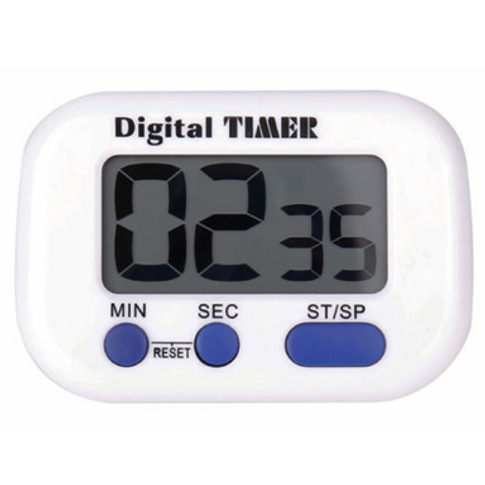
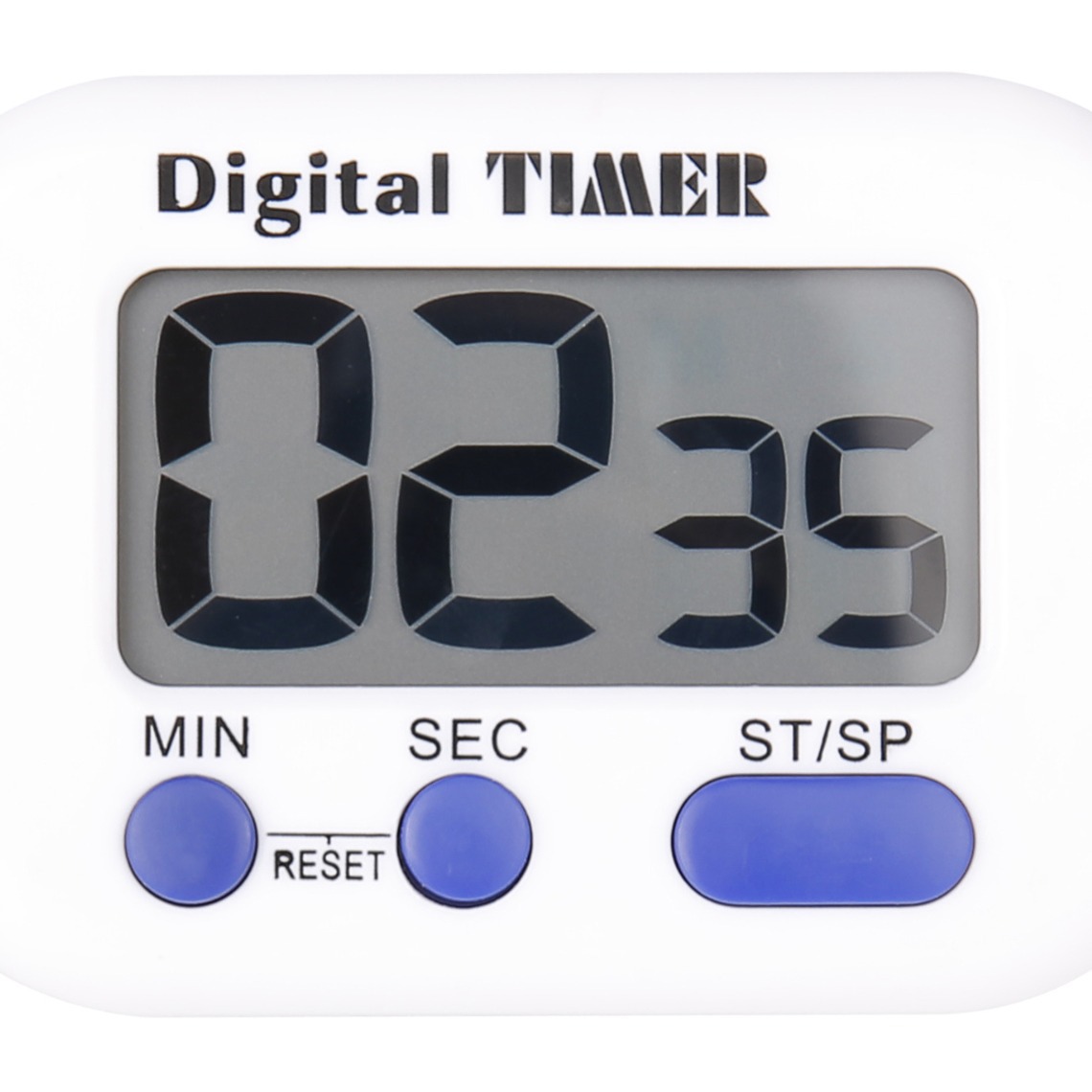
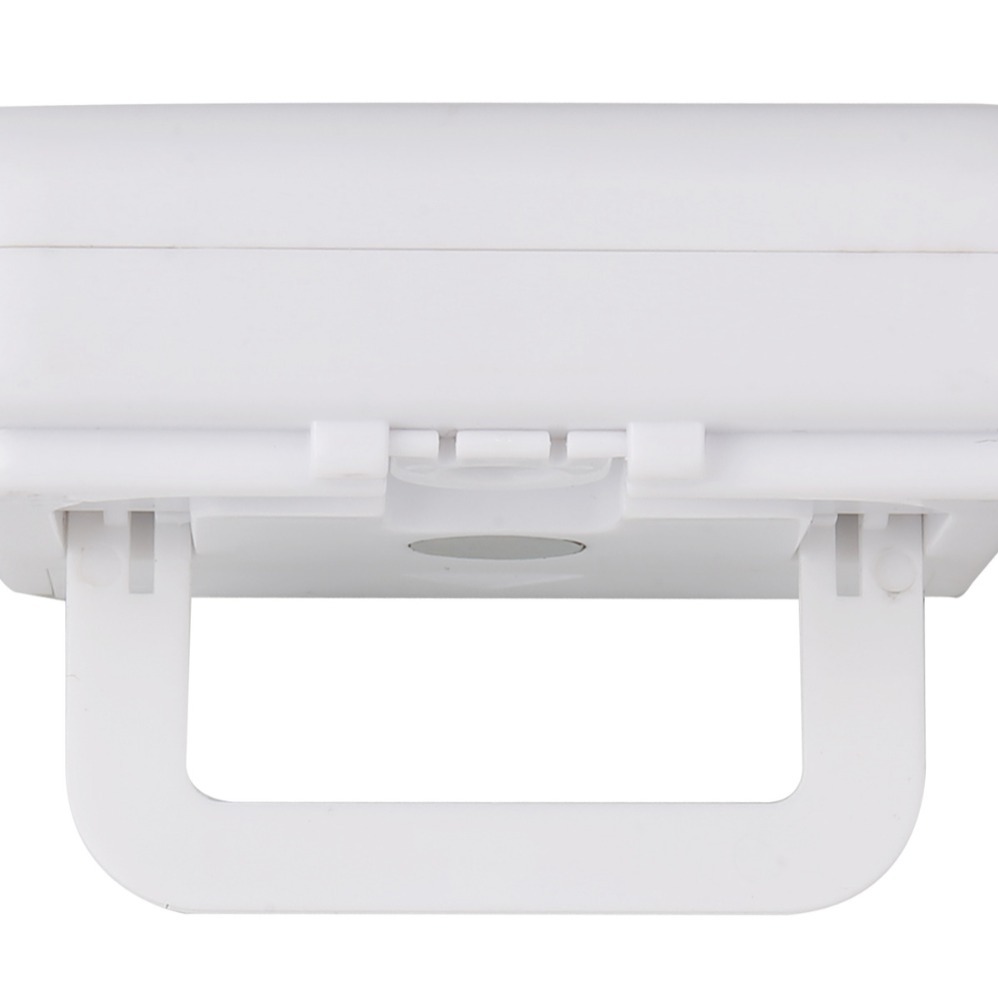
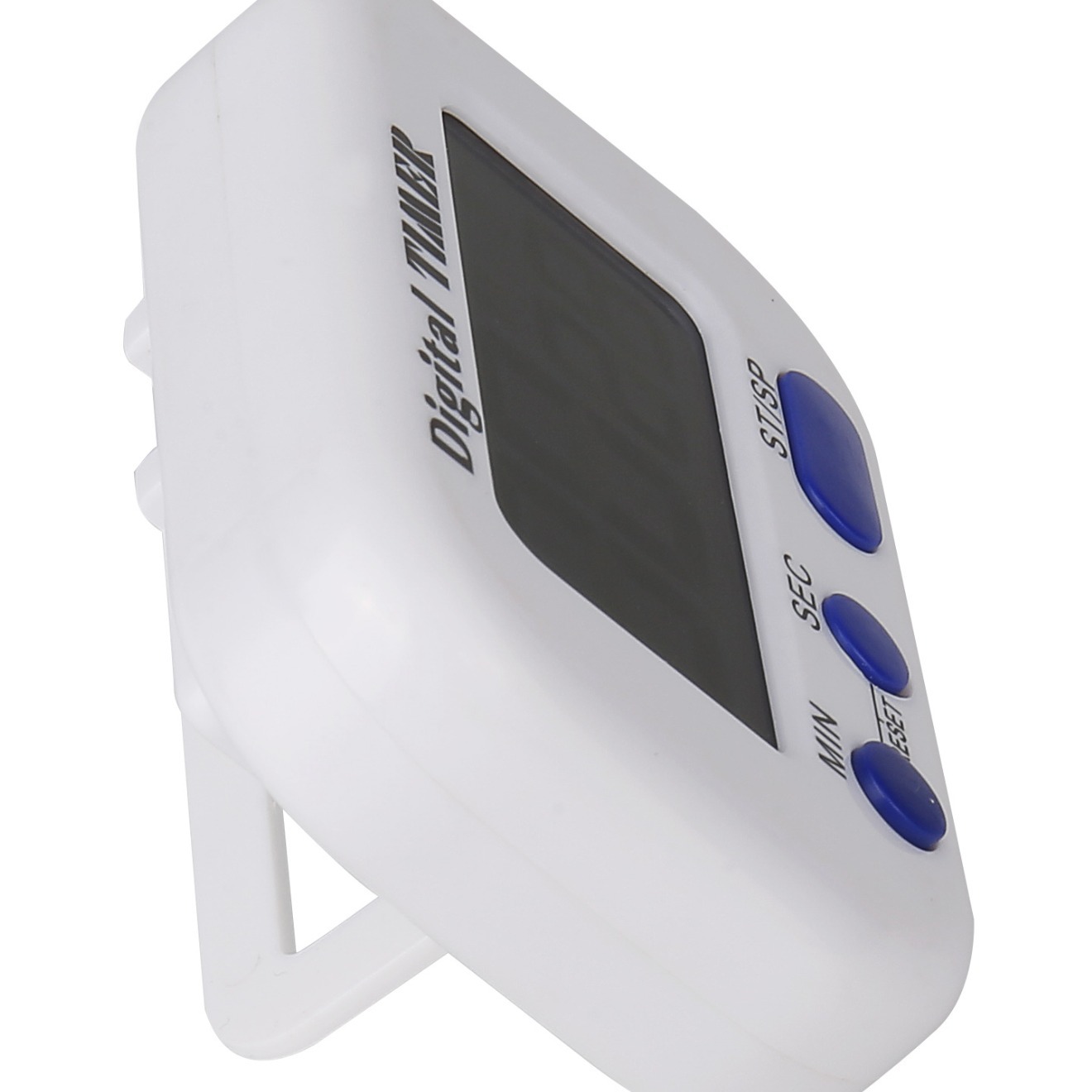
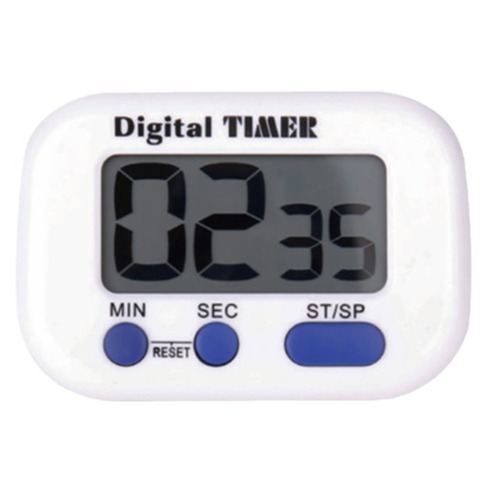
-After power on, the LCD displays 0. The time is set by the S and M keys. The time setting is only valid in this mode, the timer must
In a stopped or reset state. Each press of these keys will advance the timer count by one digit, and if pressed for more than one second
The timer will count a number every 1/8 second. The second and minute settings are independent.
If the S and M keys are pressed simultaneously, the timer will reset to 0, 000. After setting the time, triggering the START/STOP key will
Start the timer, and the "M, S" on the screen will start flashing (on for 0.5 seconds, off for 0.5 seconds).
When the timer counts, it will stop by triggering any key. When the M or S key is pressed to stop timing, the preset time is the last one
The time of pressing the key again. In this stopped state. The timer can also be set in this state. An additional START/STOP
The trigger will terminate this state and start counting from the time it displays.When the countdown time arrives, the LCD displays 00, 00, and the "M, S" lights on the screen light up but do not flash. At this point, it will emit for 32 seconds
During this alarm period, press any key to stop the output of the signal. -When the countdown timer reaches zero and the alarm signal ends,
The LCD will return to the preset time. If the START/STOP stop alarm signal is pressed, the LCD will return to the preset time. Press S
When the key or M key stops the alarm, the LCD displays OO, OO. Press the START/STOP key to restore the LCD to the preset time.
·The counting timer will trigger start/stop. When starting, the timer has been reset and powered on, and no time has been set. After resetting, calculate
The timer will start by triggering start/stop.
-The counting timer cycles for 99 minutes after starting. When the counting timer is counting, pressing any key will stop counting.
Another START/STOP trigger will start the timer to count continuously. -When the timer is in the up counting timer mode,
You can switch to the countdown timer mode after stopping the timer with any key, and then preset it with the M and S keys.